
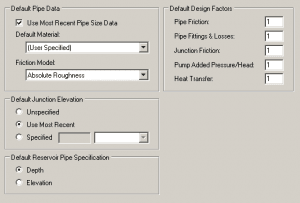
The ability to specify default input parameters is a feature that is common to all AFT software products. Diameter, Friction Model, and Design Factors can be specified by default for pipes. Input properties for Junctions are specific to each junction type, so the only common default property is elevation. The default input options are found in “Parameter and Unit Preferences”. In general, this feature makes model building faster and more efficient.
The user should, however, be aware of how this affects the “Status” of pipes and junctions. The “Status”, to which I am referring, is the green light to run the model. Every model requires minimum amount of input data and some of that data may be filled in by default, but only upon opening the properties window. For example; the branch junction may appear to be incomplete until, upon opening the properties window, the previously empty Elevation input field is filled in automatically. I would encourage AFT software users to become familiar with all of the Options and User Preferences.
Fathom 8 Default Input Options found in the Tools menu under Options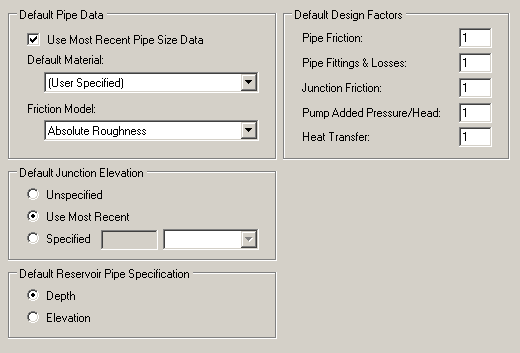
John serves on the development team as a Senior Engineering Software Developer, teaches several training classes a year and assists in consulting projects as needed. He previously worked for Siemens Building Technologies as an automation system specialist/engineer and American GFM as a design engineer and lead mechanical/electrical engineer in support of research projects. John holds a Bachelor of Science in Mechanical Engineering (2004) from Old Dominion University.