
One of the many new features in Fathom 8 is the ability to show images in the annotation box.
This simple feature will allow the engineer to easily and clearly communicate a vast array of information through the Workspace and Visual Report.

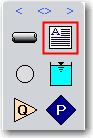
To add an image to the Workspace or Visual Report, as seen above, select the Annotation tool from the toolbox.
Then select the “Line/Arrow/Image” tab and specify the file path to your image.
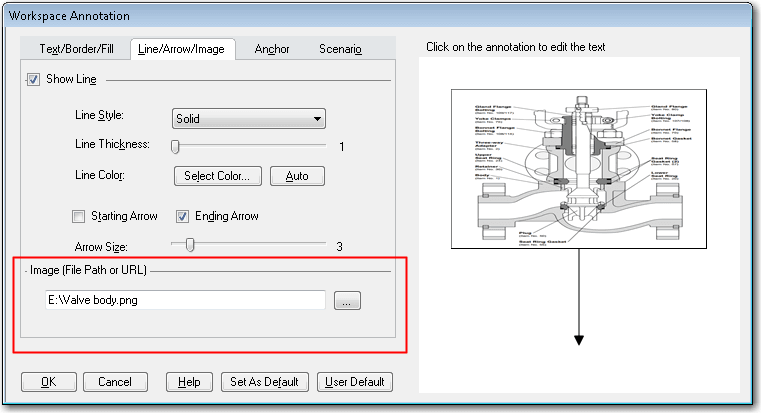
Once the image is selected, click OK. The image box shown on the workspace can be easily moved and resized.
John serves on the development team as a Senior Engineering Software Developer, teaches several training classes a year and assists in consulting projects as needed. He previously worked for Siemens Building Technologies as an automation system specialist/engineer and American GFM as a design engineer and lead mechanical/electrical engineer in support of research projects. John holds a Bachelor of Science in Mechanical Engineering (2004) from Old Dominion University.